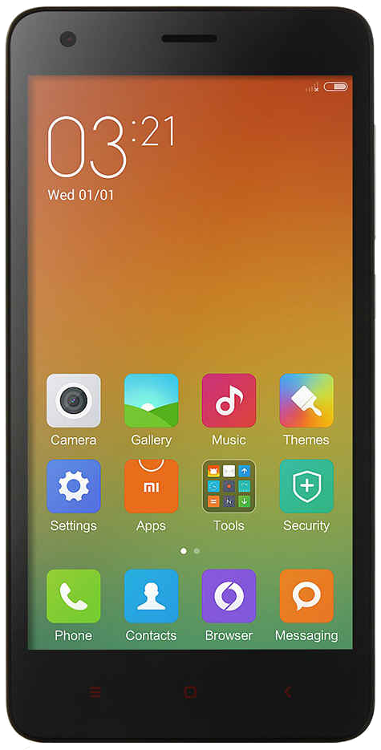
Note: This page is auto-generated for the Wingtech Redmi 2, based on the device’s information, located
here. You can find similar
instructions for every officially-supported device on this wiki.
Warning: The Wingtech Redmi 2 is no longer maintained. A build guide is available for developers that would like to make private builds, or even restart official support.
Get LineageOS for the Wingtech Redmi 2
Installation
How to install LineageOS on the Wingtech Redmi 2
Build guide
How to build LineageOS for the Wingtech Redmi 2
Special boot modes
-
Recovery: With the device powered off, hold Volume Up + Volume Down + Power. Keep holding both buttons until the “MI” logo appears on the screen, then release.
-
Download: With the device powered down, hold Volume Down + Power. Keep holding all buttons until the word “FASTBOOT” appears on the screen, then release.
Find help online
You can find assistance with LineageOS on our subreddit, or in #LineageOS on freenode.