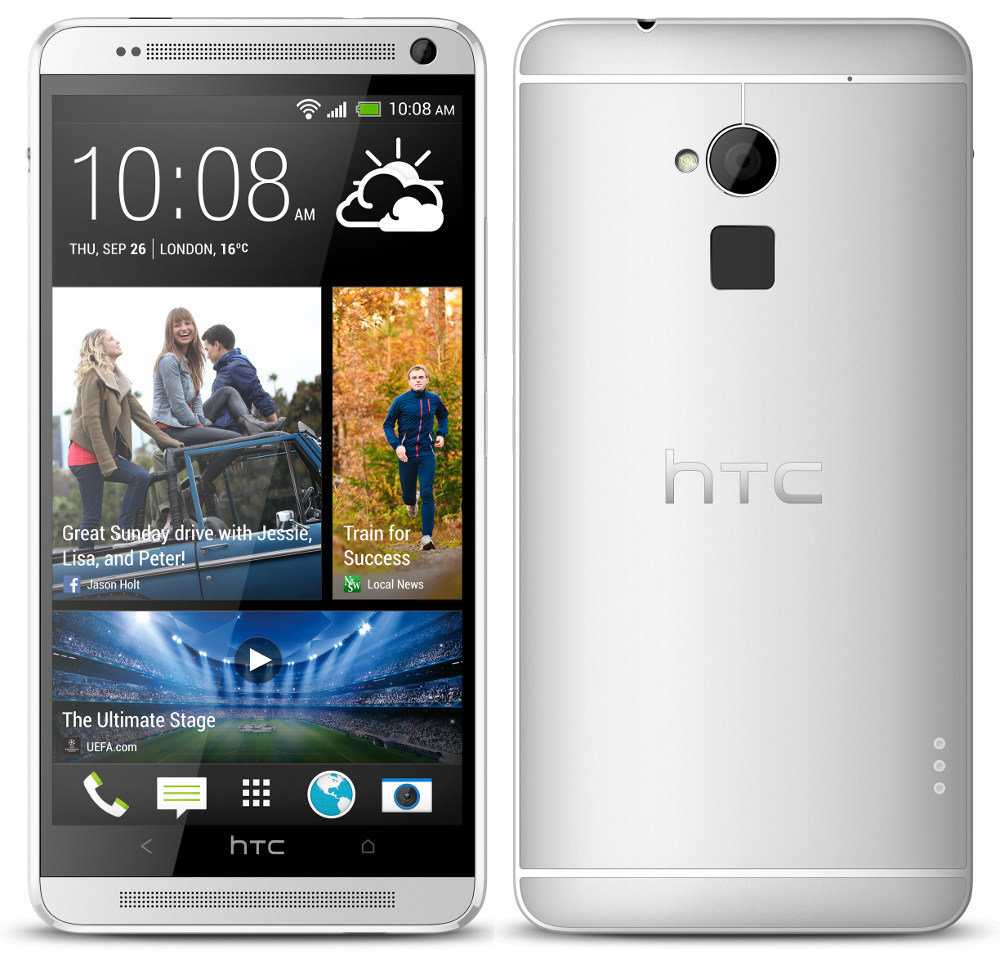
Note: This page is auto-generated for the HTC One Max (GSM), based on the device’s information, located
here. You can find similar
instructions for every officially-supported device on this wiki.
Warning: The HTC One Max (GSM) is no longer maintained. A build guide is available for developers that would like to make private builds, or even restart official support.
Get LineageOS for the HTC One Max (GSM)
Installation
How to install LineageOS on the HTC One Max (GSM)
Build guide
How to build LineageOS for the HTC One Max (GSM)
Special boot modes
-
Recovery: With the device powered off, hold Volume Down + Power until the bootloader appears, then release the buttons. Use the volume buttons to scroll to “RECOVERY” and press Power to select.
-
Download: With the device powered off, hold Volume Down + Power until the bootloader appears, then release the buttons. Use the volume buttons to scroll to “FASTBOOT” and press Power to select.
Find help online
You can find assistance with LineageOS on our subreddit, or in #LineageOS on freenode.